Why your MediaWiki runs slow and how to fix that
A diagnostic-first guide to slow MediaWiki: opcache, cache types, InnoDB tuning, file caching — and the outdated advice (query cache, $wgUseGzip) to ignore.
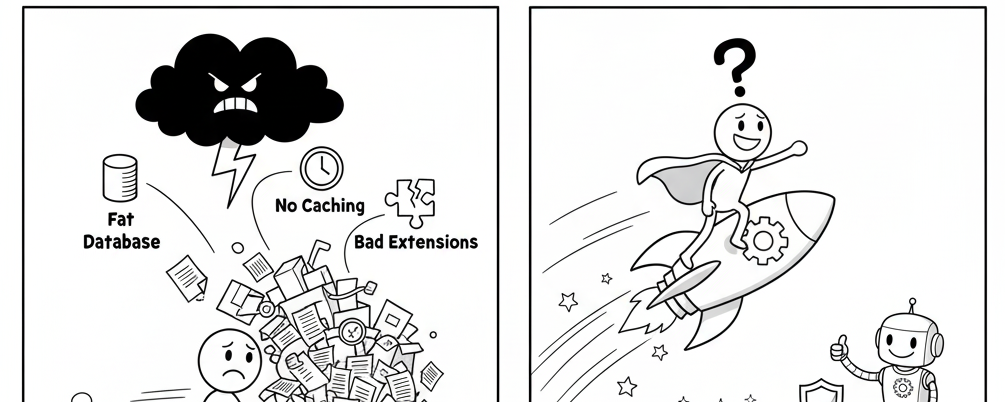
A slow MediaWiki usually comes from a small set of causes — most installations are fine once caching is actually enabled. The trap is stale advice: configuration written for MediaWiki 1.20-era PHP (MySQL query cache, $wgUseGzip, sidebar-only caches) no longer applies. This article is the current diagnostic order, from zero-config to properly tuned.
1. PHP opcache — the non-negotiable
Without opcache, PHP re-parses MediaWiki's thousands of files on every request. Enable in php.ini:
opcache.enable=1
opcache.memory_consumption=256
opcache.interned_strings_buffer=16
opcache.max_accelerated_files=20000
Verify with php -i | grep opcache (use the web server's PHP, not just the CLI) — this single setting changes page load times by an order of magnitude on typical setups.
2. MediaWiki object and parser caches
MediaWiki's default cache is the database, which works but wastes a query per cached item. Set in LocalSettings.php:
$wgMainCacheType   = CACHE_ACCEL;   // APCu wherever available
$wgParserCacheType = CACHE_ACCEL;
$wgMessageCacheType = CACHE_ACCEL;
$wgSessionCacheType = CACHE_ACCEL;
CACHE_ACCEL requires APCu; if it is unavailable the constant falls back to the database. For multi-server wikis use Redis or memcached instead (see the caching guides on this blog). The parser cache is the key one: repeat views of a page then skip wikitext parsing entirely.
3. Database configuration
MySQL/MariaDB tuning is the second lever:
[mysqld]
innodb_buffer_pool_size = 1G   # ~50-70% of RAM on a dedicated DB
key_buffer_size = 32M            # only affects MyISAM; keep small
Do not configure query_cache_size — the MySQL query cache was removed in MySQL 8.0 and is non-functional in modern MariaDB; it was never a win for MediaWiki's write-heavy workloads. The InnoDB buffer pool is where the real memory belongs. For reads, $wgDBservers read replicas are the scaling path, not caching tricks.
4. File caching for read-mostly wikis
Wikis with few edits and many readers can pre-render whole pages to files:
$wgUseFileCache = true;
$wgFileCacheDirectory = 'cache';
File cache serves content without MediaWiki's PHP bootstrap at all (subject to autoselect per anonymous users). It is superseded by proper HTTP-cache integration ($wgUseCdn with Varnish/nginx) for larger sites, but remains valid small-scale tuning. Remember:
- File cache is only for anonymous views — logged-in pages are never file-cached
- It must be cleared on content changes; for fast-changing wikis the cache costs more than it saves
5. The traps in old advice
$wgMiserMode— still exists, but it degrades features (disables some expensive jobs); only for genuinely starved hosts$wgUseGzip— irrelevant; compression now happens at the web server level (or withzlib.output_compression)$wgCompressRevisions— compresses stored wikitext (real, but deprecated in current releases; it helps huge wikis with storage, not speed)- Query cache size — does not exist in modern MySQL; spending memory there is wasted RAM
6. The diagnostic order
- Confirm opcache is active on the web PHP
- Confirm caches are not
CACHE_DB-backed (checkSpecial:Version'Parser cache' line) - Check DB slow-query log for the worst offenders
- Look at
Special:Statisticsjob queue backlog — a stuck queue degrades edits and cache updates - Repeat with a profiler (
$wgProfiler) on the worst page
Nine times out of ten, 'slow' means one of the first two steps was never done. The performance manual documents the full configuration surface — and most of it is optional once opcache and object caching are in place.